
Candidate records
Candidate details spread across sheets, chats and folders
With JobOrbit
One candidate profile with resumes, history and an assigned recruiter
Recruitment software for staffing agencies
Keep candidates, applications and interviews in one workspace. Give every recruiter a clear view of who owns the next step.

Explore the screens recruiters use to move a candidate from the first conversation to their next interview.
See this week's applications, interviews and offers across all your candidates, then open any one to pick up exactly where you left off.
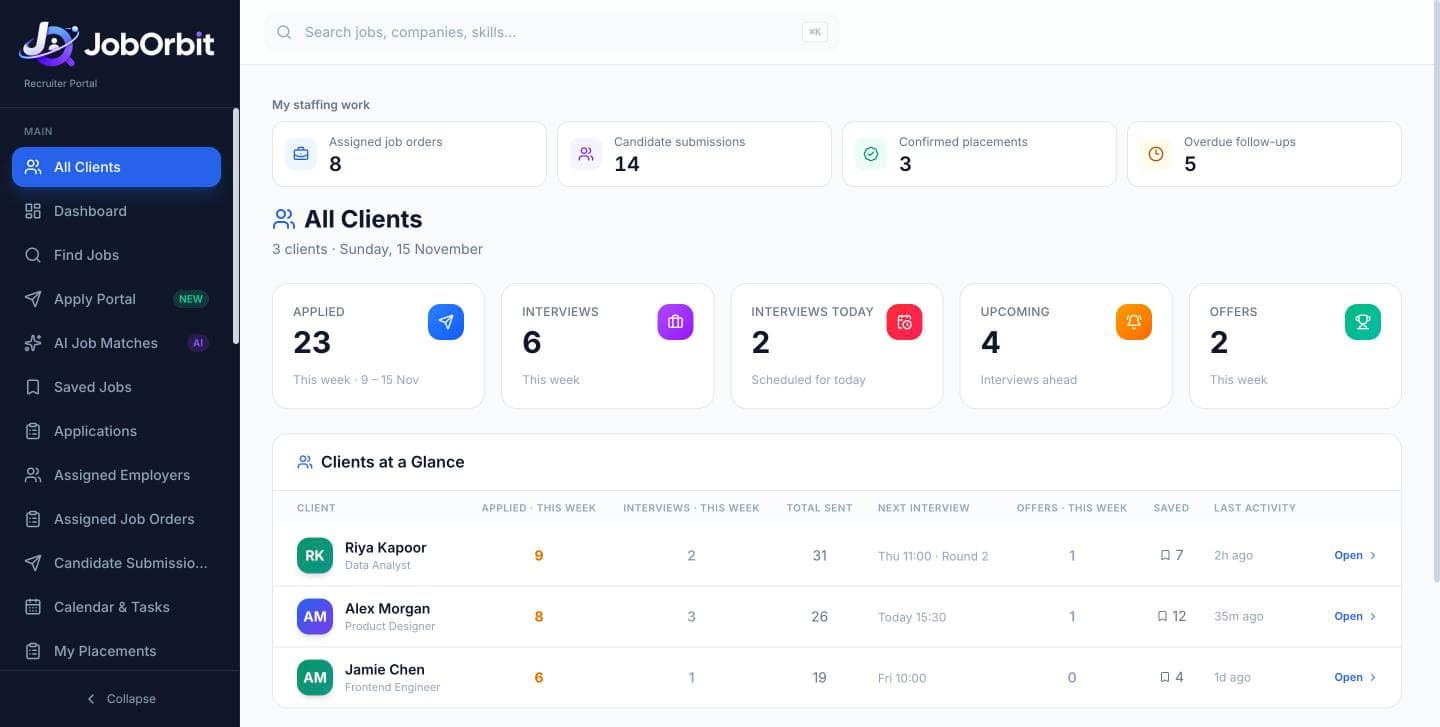
Keep candidate details, applications, interviews and team operations connected, so everyone can pick up where the last person left off.
Candidate details spread across sheets, chats and folders
One candidate profile with resumes, history and an assigned recruiter
Applications tracked in someone's personal spreadsheet
Every application has a status, a candidate and a link to the posting
Interview times copied by hand into messages
Interview rounds recorded once, then shared from connected accounts
Same details typed into every application form
Saved candidate details filled on supported forms, reviewed by you
Managers ask for updates to see who did what
Daily targets, attendance and activity in one team view
Attendance, leave and targets in separate tools
Team management lives beside the recruiting work
Follow the cursor as a recruiter opens a candidate, finds a role, applies, schedules an interview and hands off to the team.
Start the day with targets, follow-ups and interviews in one view.
Each stage builds on the last, so the full story of every candidate stays in one record.
Add the profile, upload resumes and assign a recruiter.
Search configured sources and save roles that fit.
Apply and record the status against the candidate.
Log rounds and share details with the candidate.
Create tasks so nothing waits for someone to remember.
Close the loop with the outcome on the candidate record.
Recruiters often manage many candidates at once. JobOrbit keeps each one separate and organized, and shows what to do next.
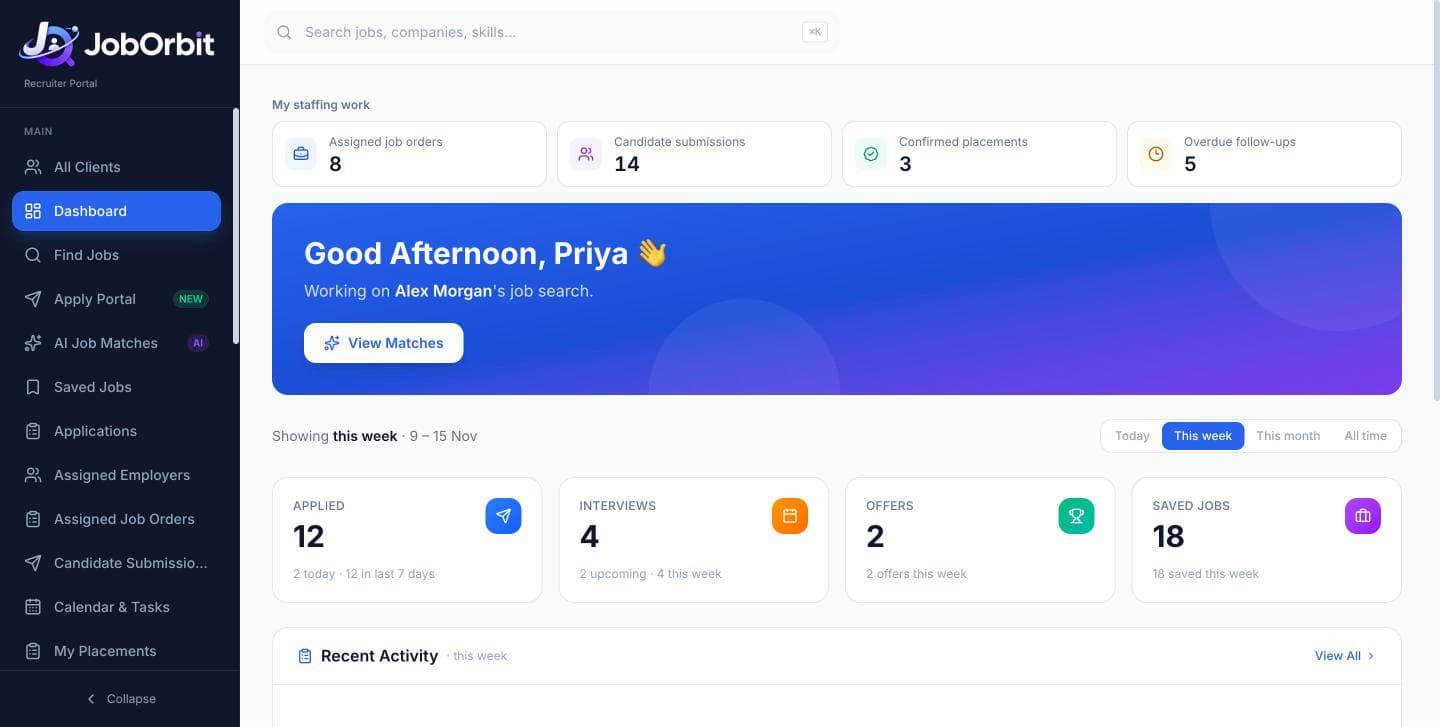
Your assigned candidates, today's follow-ups, upcoming interviews and progress toward your daily target.
Search configured job sources, compare a role with the candidate's profile and save the right matches.
Use saved candidate details on supported forms, review every field and record the application.
Record the round, then send details through your connected Gmail or WhatsApp after reviewing them.
Update statuses, set follow-ups for tomorrow and leave a clean record for your manager.
Owners see the whole organization. Managers see the recruiters they're responsible for. Everyone works from the same records.
Keep a recruiter directory and assign candidates to the right person.
Set targets per recruiter and see progress through the day.
Handle leave requests and review attendance with configured office-location checks.
Review recorded interaction and working time inside JobOrbit, with team context.
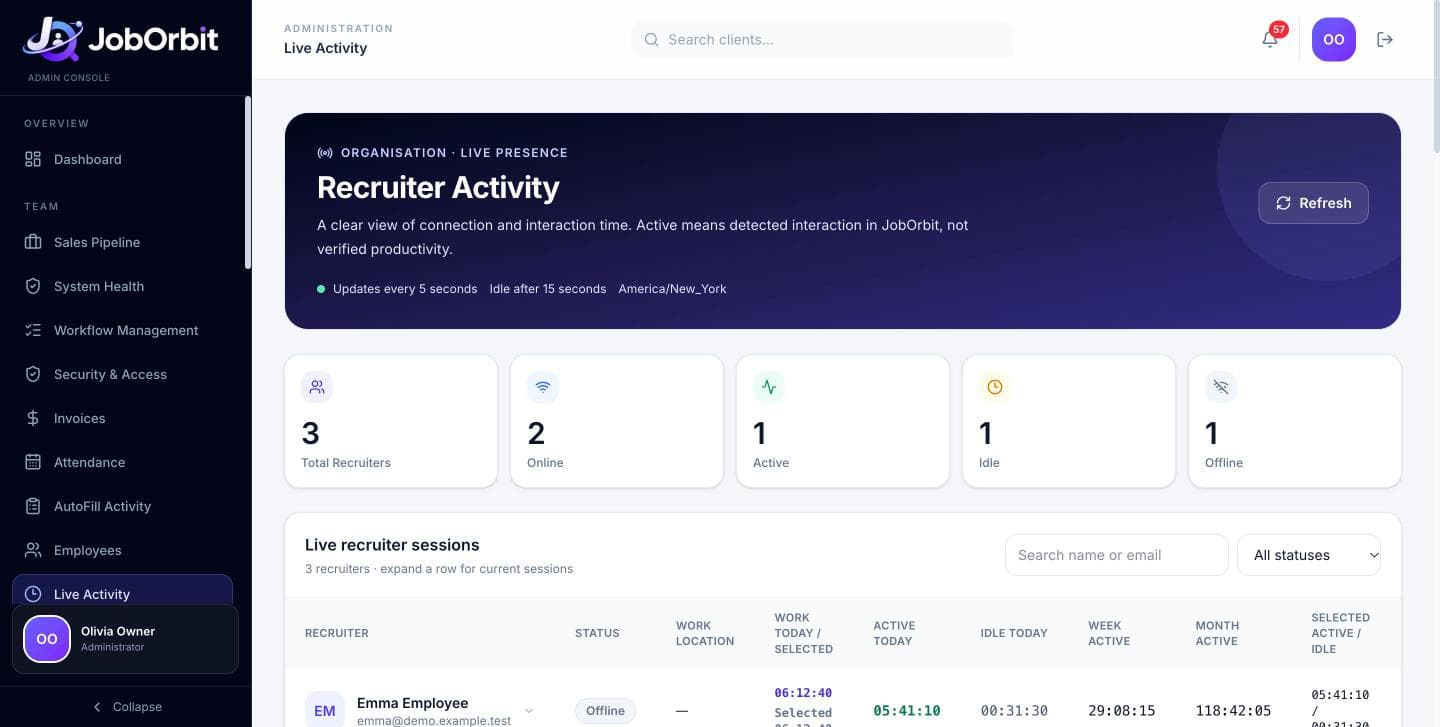
The JobOrbit browser extension fills supported employer application forms with the selected candidate's saved details and approved answers. You stay in control of what is submitted.
Owners see the organization, managers see their assigned team, and recruiters see their assigned candidates.
Candidate Gmail (read-only), recruiter Gmail (sending) and WhatsApp work only after the account owner connects them — and can be disconnected at any time.
Recruiters review interview messages before they're sent and review filled forms before submitting them.
JobOrbit is a recruitment and staffing workspace. It brings candidate profiles, resumes, job discovery, applications, interviews, follow-ups and team management into one place, so your agency works from the same records instead of spreadsheets, inboxes and chat threads.
Recruitment and staffing agencies. Agency owners use it to oversee the organization, recruiting managers use it to coordinate their assigned team, and recruiters use it to manage their assigned candidates and daily recruiting work.
Yes. Each recruiter sees the candidates assigned to them, and each candidate keeps their own profile, resumes, applications, interviews and follow-up history. Switching between candidates doesn't mix up their records.
Yes. Owners and managers can assign candidates to recruiters, set daily application targets, and review progress against those targets alongside attendance, leave and activity reports for the recruiters they manage.
Job discovery uses the sources configured for your workspace, so availability varies by setup. JobOrbit does not connect to every job portal, and listings are not guaranteed to be complete or real-time. Each saved opportunity keeps a link to the original employer or job-platform posting. We'll confirm which sources fit your agency during the demo.
No. The browser extension fills supported application forms using a candidate's saved details and approved answers. The recruiter reviews every field and submits the application themselves. Not every website is supported, and supported sites are confirmed as the extension rolls out.
Yes, optionally. A candidate can authorize read-only access so JobOrbit can track recruitment-related emails such as interview invitations. This connection cannot send, delete or change email, and the candidate can disconnect it at any time. Availability depends on your deployment configuration. Read the Gmail privacy notice.
Yes, once the recruiter has connected their own account. Recruiter Gmail is a separate connection from candidate Gmail and is used to send interview details. WhatsApp sharing is also optional. Neither works until the account owner authorizes the connection, and either can be disconnected.
No. Document extraction and formatting compatibility checks are part of JobOrbit. AI content review is a separate, optional feature that only works when an AI integration has been configured for your workspace. Neither one guarantees an employer ATS score or interview selection.
Inside the JobOrbit recruiter workspace only, JobOrbit records sign-in, interaction timing and idle time to give managers working-time visibility. It does not record typed text, screenshots or browsing outside JobOrbit. If a recruiter allows browser location, the server checks it against the configured office radius and stores only Office, Work from home or Unverified — not coordinates. Activity shows recorded interaction, not verified productivity. See the activity notice.
Pricing depends on your team and setup. Contact us for pricing and we'll share options after understanding your agency.
Use the demo request form or email 9950471806jagdish@gmail.com. Tell us your team size and what you want to improve, and we'll arrange a walkthrough.
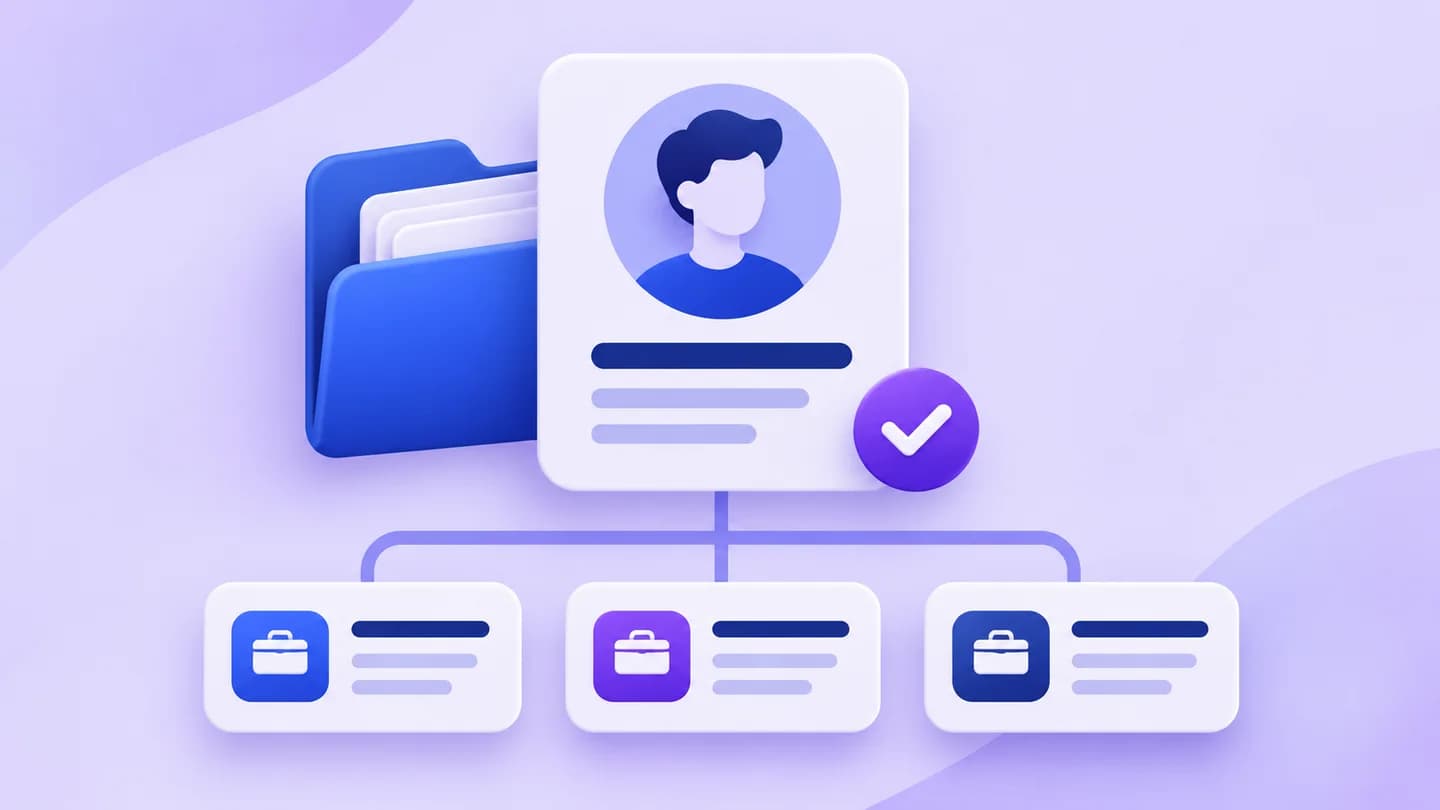
Organize candidate records, application stages, resume versions and recruiter ownership with a practical tracking template for recruitment agencies.
Read the guide
Plan a recruiter's day around candidate priorities, relevant job sourcing, application checks, interview preparation and a clear end-of-day handover.
Read the guideBring a recruiting workflow to your demo. We’ll walk through it together and discuss pricing for your team.
 JobOrbit AutoFill