
Loading JobOrbit
Candidates, opportunities, applications, interviews and the team behind them — organized in one workspace, with clear notes on what needs configuration.
Give every candidate one dependable record that the whole team can rely on.
Keep personal details, skills, preferences and contact information in a structured profile.
Upload resumes, keep previous versions and restore an earlier one when you need it.
Assign each candidate to a recruiter so ownership is always clear.
Applications, interviews and notes stay attached to the person they belong to.
See what happened last and what needs to happen next.
Bring candidate lists into JobOrbit instead of re-entering them.
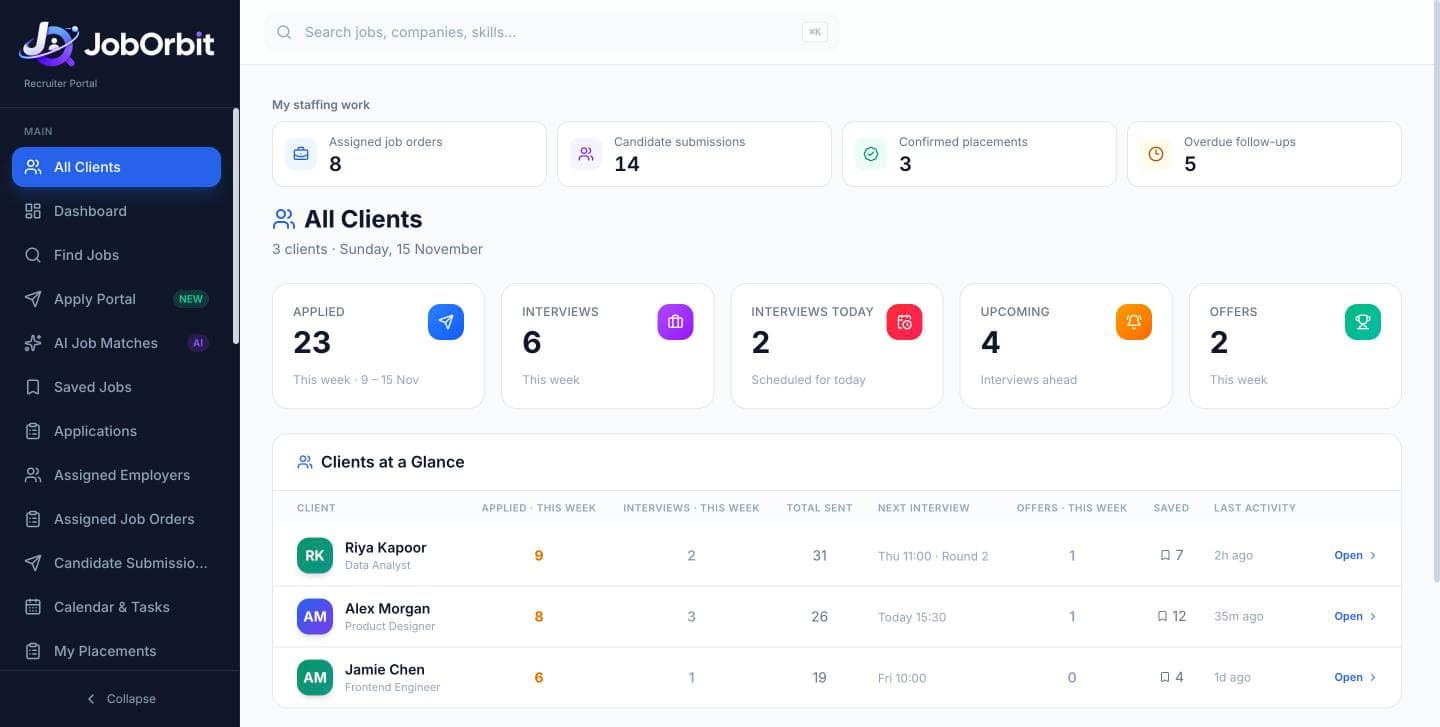
Find opportunities for a specific candidate and follow every application from saved to outcome.
Search opportunities from the job sources configured for your workspace.
Narrow results by role, location, keywords and more.
Save promising roles for the candidate they suit.
Compare a role's requirements with a candidate's profile before applying.
Track each application's stage and history against the candidate.
Every application keeps a link to the employer or job-platform listing.
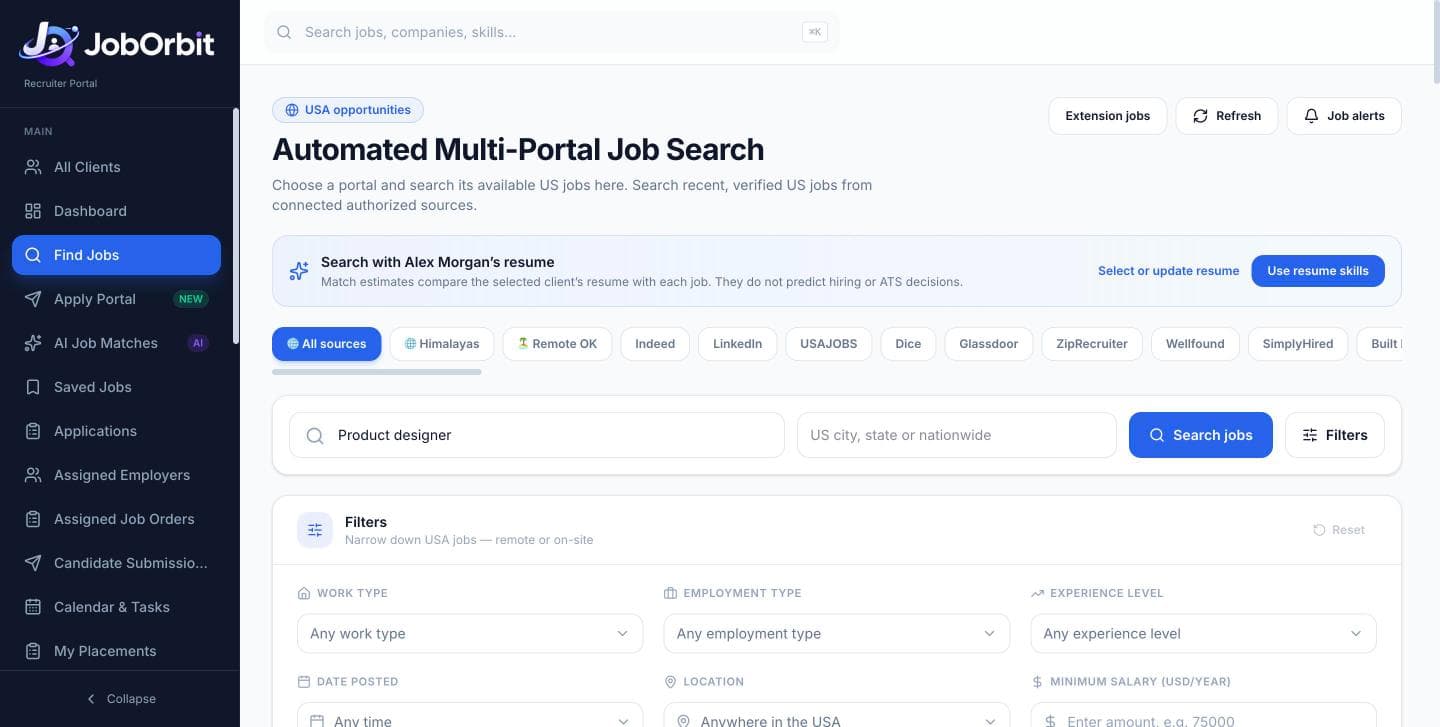
Available job sources vary by configuration. JobOrbit does not connect to every job portal, and listings are not guaranteed to be complete or real-time.
Check that a resume can be read reliably and see specific, evidence-based ways to improve it.
JobOrbit extracts the text and structure from uploaded resumes.
Formatting checks flag layouts and elements that are hard for systems to read.
Each suggestion points to what was found in the document and why it matters.
Compare the resume against a target job description to spot gaps.
AI content review is available when an AI integration has been configured — it is separate from the formatting checks.
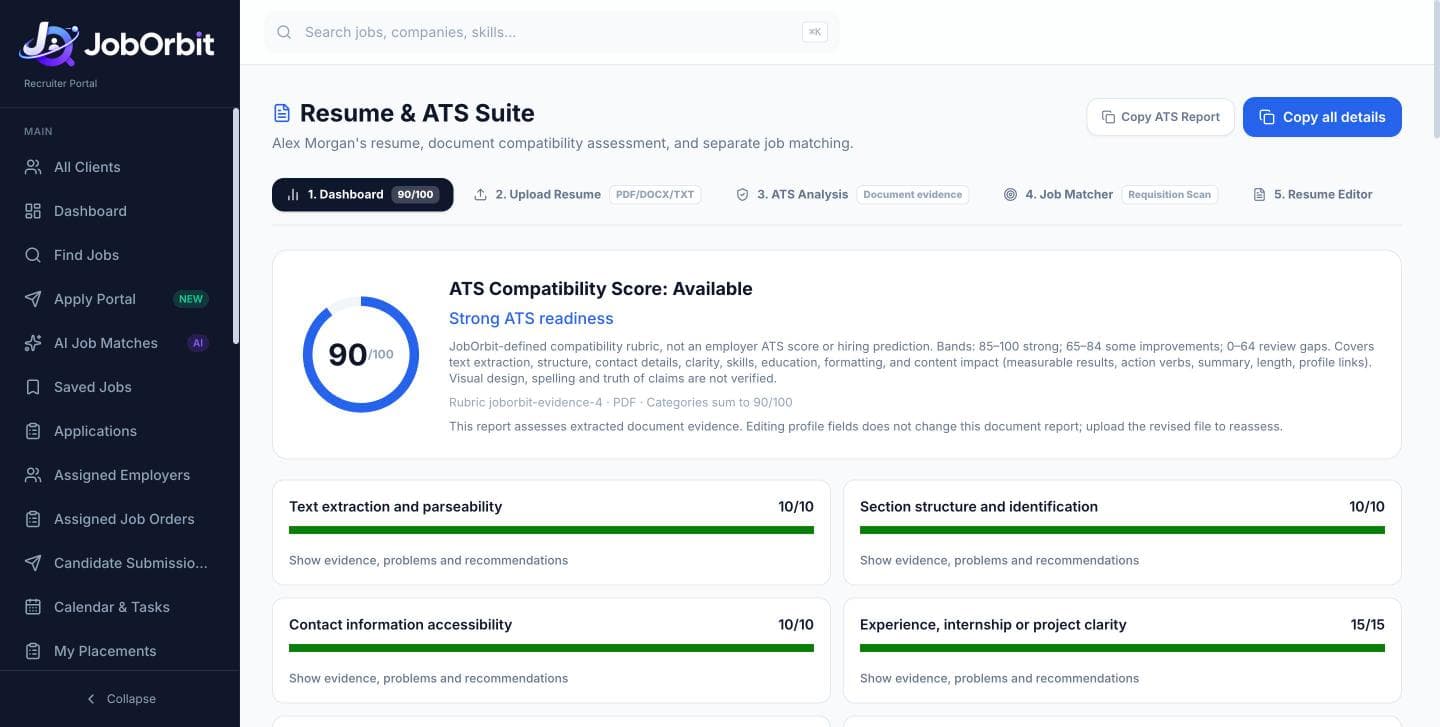
No tool can guarantee an employer's ATS score, universal ATS compatibility or interview selection. JobOrbit's checks are guidance for recruiters and candidates.
Keep interview details on the candidate record and share them through accounts your team has connected.
Record each interview round, its time, format and outcome.
Interview information stays on the candidate it belongs to.
Create follow-ups after rounds so feedback and next steps don't get lost.
A candidate can authorize read-only access to track recruitment-related emails.
A recruiter can connect their own Gmail, separately, to send interview details.
Share interview details through a connected WhatsApp account.
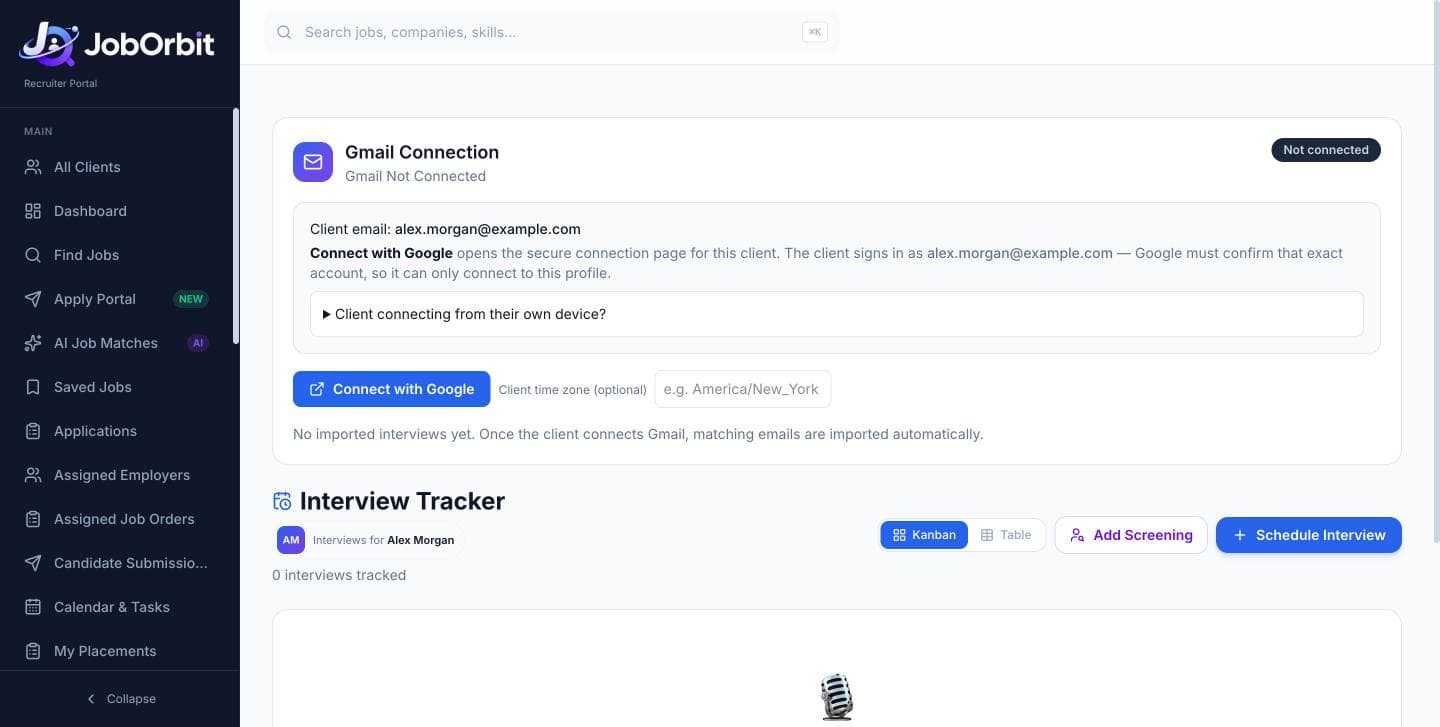
Email and WhatsApp features work only after the account owner authorizes each connection. Connections can be disconnected at any time.
Use the JobOrbit browser extension to fill supported application forms with a candidate's saved information.
Fill supported forms with the selected candidate's profile and chosen resume.
Reuse answers the candidate explicitly provided and approved.
The recruiter checks every field and submits the application manually.
Applications made with the extension are recorded on the candidate.
The extension works on supported forms only, not every website, and never submits an application automatically. Supported sites are confirmed as the extension rolls out.
Coordinate recruiters, targets and attendance next to the recruiting work itself.
See every recruiter and the candidates assigned to them.
Set daily targets and follow progress through the day.
Manage attendance and leave requests in the same workspace.
Send updates to the team without leaving JobOrbit.
Review recorded interaction and working time inside JobOrbit.
Optionally compare a recruiter's shared browser location with a configured office radius.
Owners see the organization; managers see their assigned recruiters.
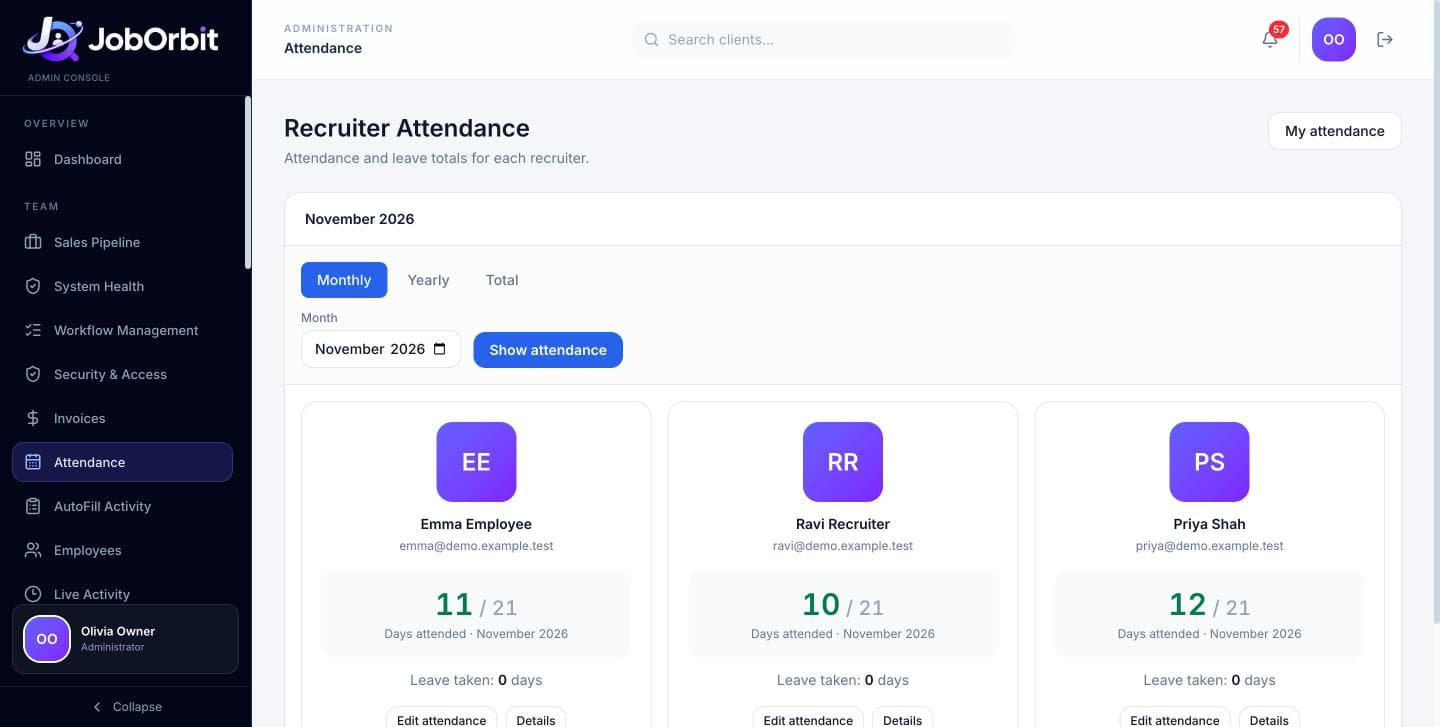
Activity reports show recorded interaction and working-time visibility. They are not proof of productivity or precise attendance.
JobOrbit also includes early workflows for the business side of staffing.
Keep the businesses you recruit for alongside your candidates.
Record job orders from employer clients and the candidates submitted to them.
Track placement outcomes and related commission records.
Keep consent records and review possible duplicate candidates before they spread.
Prepare invoices for employer clients from the admin console.
These workflows are still being validated and may require setup for your agency. We'll show you their current state during your demo.
We'll show you the workflows your agency cares about most, explain what needs configuration, and talk through pricing for your team.